
Signing up on survey sites like Palpito is straightforward, yet essential for participating in opportunities for paid surveys. Completing your profile thoroughly during registration is crucial and usually takes about twenty minutes. This step is vital to successfully enter the world of paid surveys.
A detailed profile allows the sites to direct specific surveys to the appropriate target audience. If the profile is not filled out correctly, the chances of receiving surveys can be sparse or non-existent. Therefore, it is important to take the time to complete the profile accurately, ensuring a more rewarding experience.
Now, let’s explore the step-by-step registration process for the Palpito site.
Step-by-step Guide:
1. Check Your Browser: Start by checking which browser you are using. Google Chrome is recommended for its reliability.
2. Go to the Registration Page:
3. Ensure the “Sign Up” tab is selected.
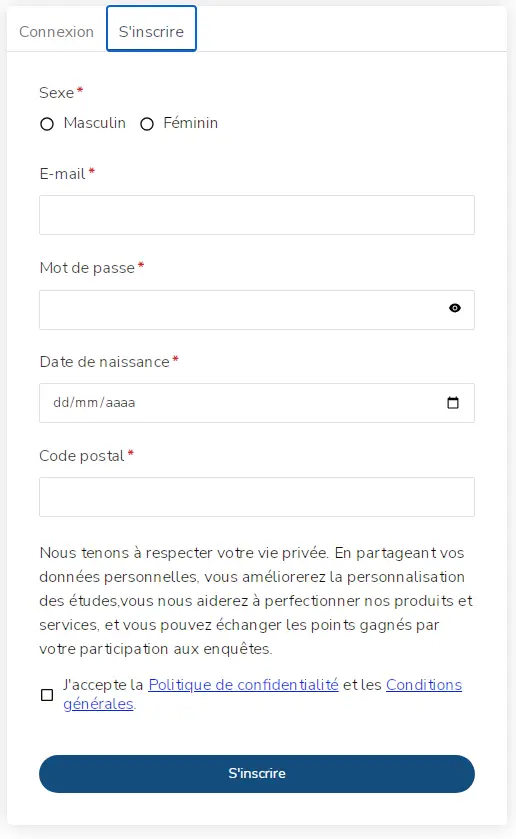
4. Enter Your Information:
– Gender: Choose between Female or Male.
– Email: Carefully fill in your email address, as it is your personal identification on the Palpito site.
– Password: Choose a secure password of your preference. To facilitate and verify the entered password, you can click on “Show password.”
– Date of Birth: Use the calendar on the right to include your day, month, and year of birth.
– Postal Code: Remember to include your ZIP code.
5. Accept the Terms and Conditions: Read the terms and conditions, select ‘I agree to the Privacy Notice and the Terms and Conditions’, and then click on “Register”.
6. Email Verification: You should receive an email. It is important to verify and validate your account through this email.
You are now ready to start answering surveys, and ideally, you should complete your profile with your personal details. Next, we’ll show how to do this.
How to Complete Your Profile on the Palpito Site?
Once registered on a survey site, an important step, as already mentioned, is to fill out your profile. It is through your profile that the system will select and send available paid surveys. So let’s see how to maximize your profile completion.
1. Access Your Palpito Account: Go to the Login page.
2. Ensure the “Login” tab is selected. Enter your email and password.
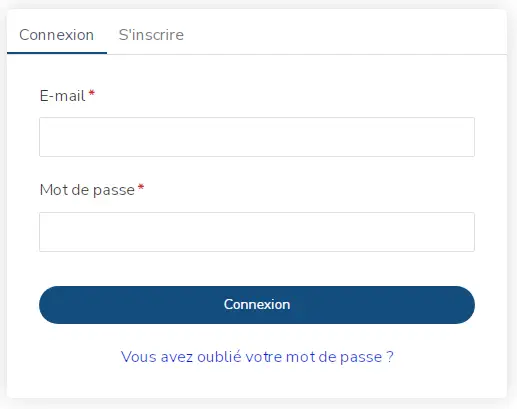
3. Navigate to the “Profile” Menu: It’s usually the first option on the left within the Dashboard.
4. Select a Category: A frame will appear with various general topics. Within each are questions that will detail your profile. Choose a topic, and click on it.
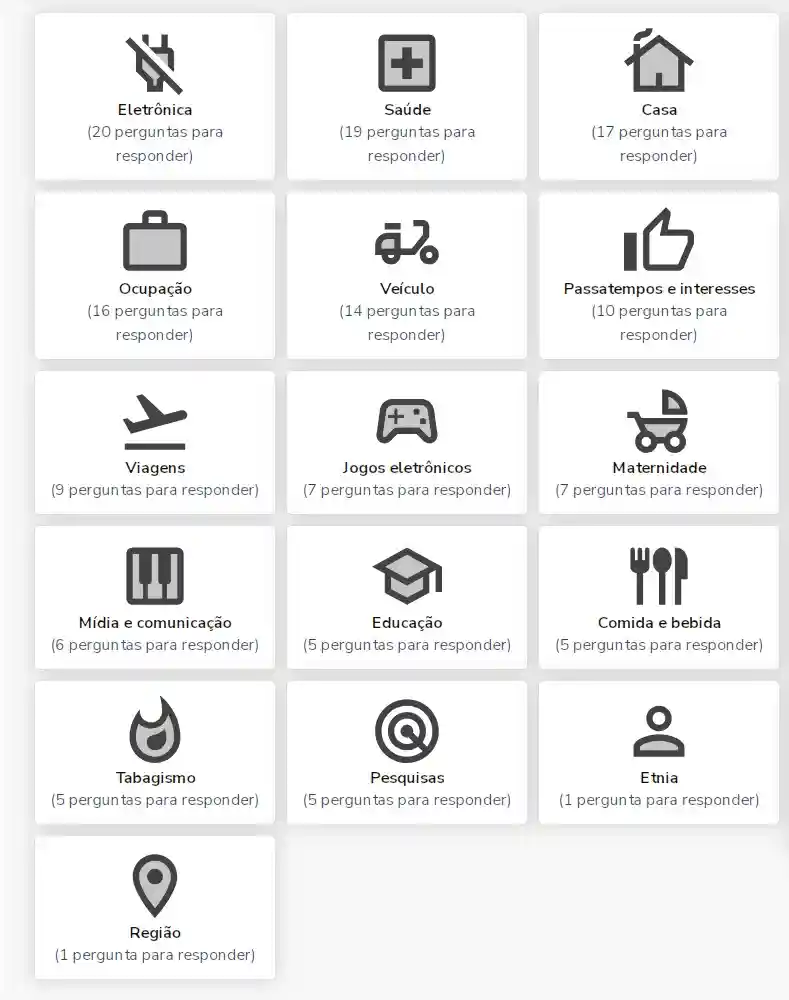
5. Answer the Questions: A new page will appear with a list of questions.
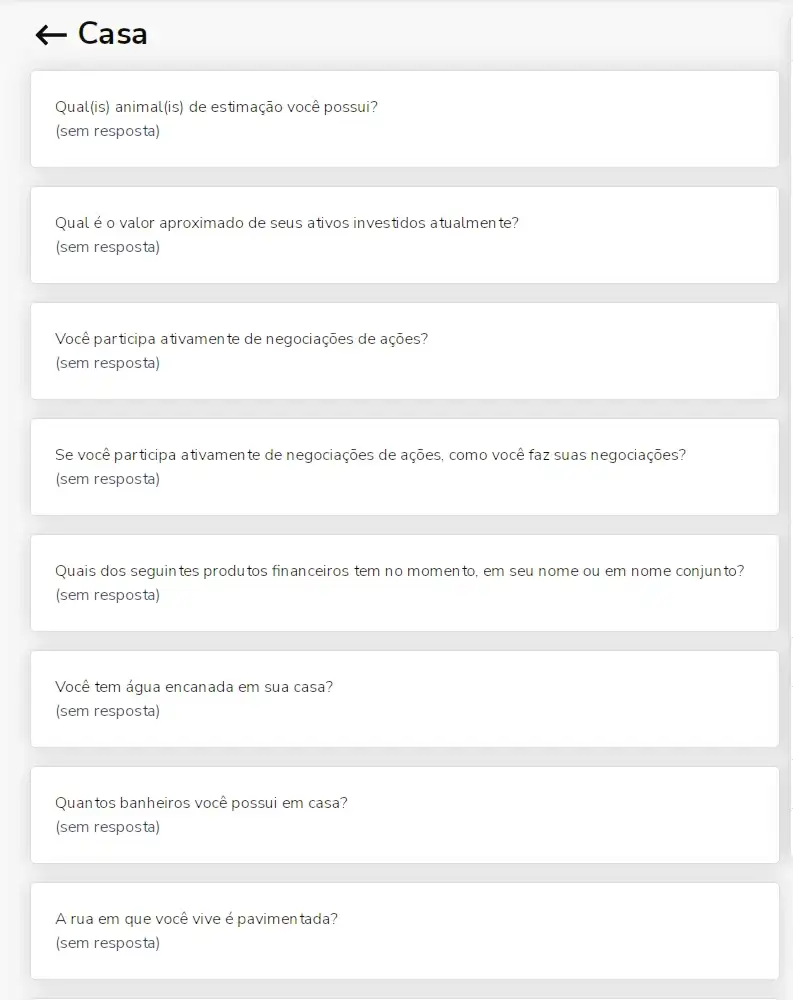
6. Complete the Answers: When you click on the questions, a list of options will appear. Complete your answers, select the response(s), and click on Save.
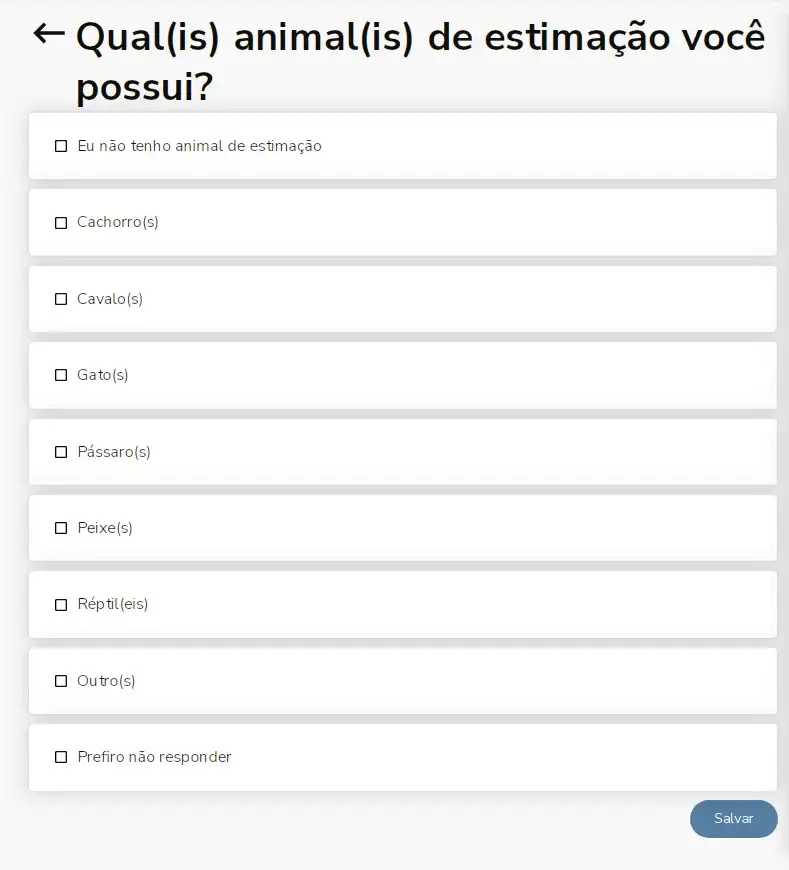
7. Repeat for Other Questions and Categories: The more complete your profile, the higher the chances of receiving paid surveys. You can update or change this information whenever necessary.
You might also like
- The Importance of Market Research in Football: The Case of the Euro Cup and Global Trends
- 4 Ways to Utilize Consumer Research in the Food and Beverage Industry
- Overview of Survey Statuses in the System
- Why Know Your Consumer Better Through Surveys?
- Mastering the Field of Paid Surveys: A Comprehensive Guide to Maximizing Your Earnings
- Unveiling the Universe of Surveys: Understanding Paid Survey Status